
Hardware
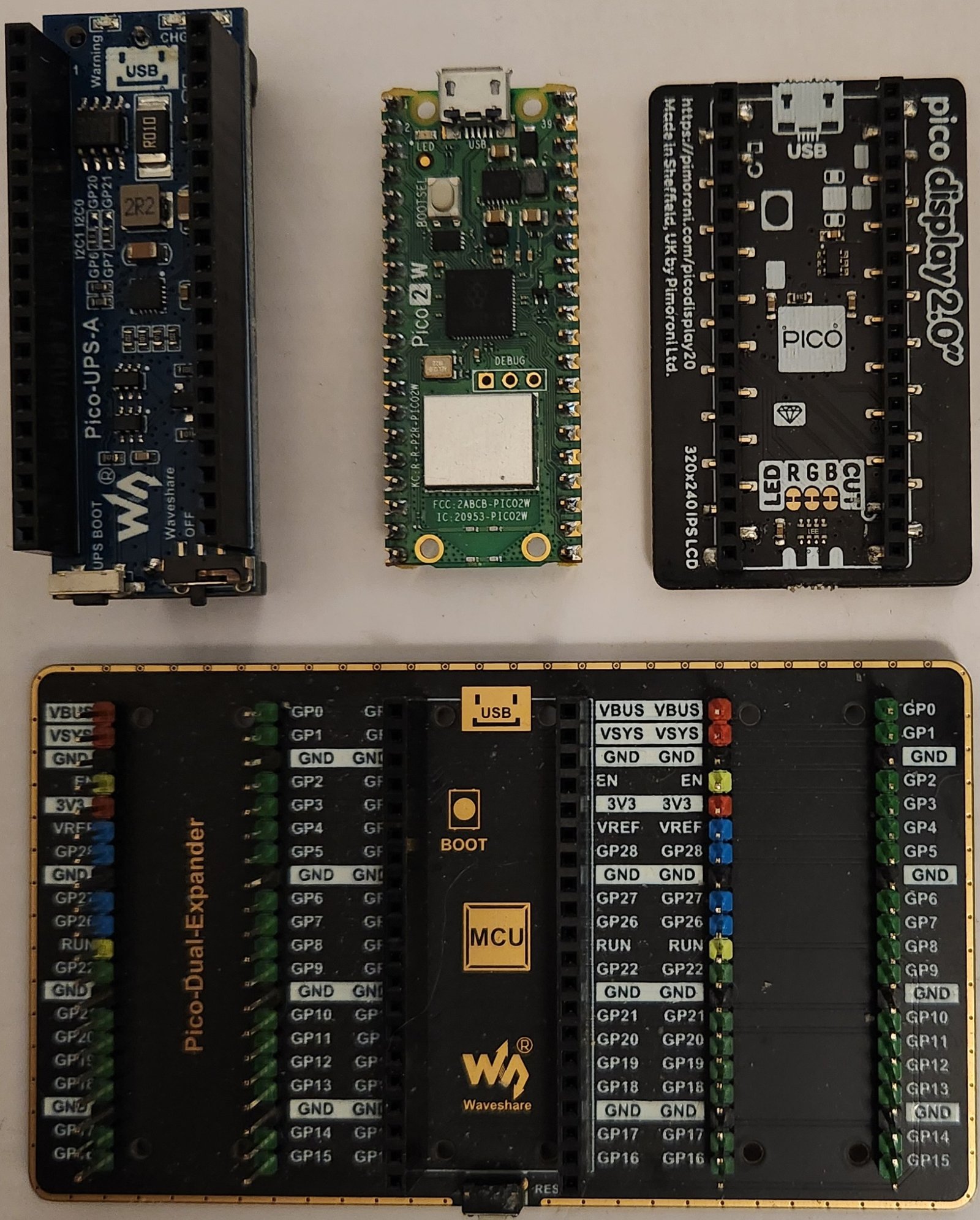
This project uses the following items:
| Item | Qty | Source |
|---|---|---|
| RP Pico 2 W | 1 | pishop.us |
| Waveshare UPS Module for Raspberry Pi Pico | 1 | AliExpress.us |
| Expansion Board Pi Pico Dual GPIO Expander | 1 | AliExpress.us |
| Pimoroni Pico Display Pack 2.0 | 1 | Pimoroni.com |
| 14500 battery | 1 | Amazon.com |
Other products may work as well; other suppliers too (YMMV).
Setup
Put your SSID and password in secrets.py.
Load the following onto the Pico local directory using Thonny (or any other program that works):
secrets.pymain.pypico_off.jpgpico_on.jpg
Run main.py.
The display and Thonny console should show you the local IP of the Pico's web server. Paste this address in a web browser address bar and hit enter.
NOTE: If running on battery power, it may take some time to connect and for the LCD screen to come up.
Web UI
A web page should come up.
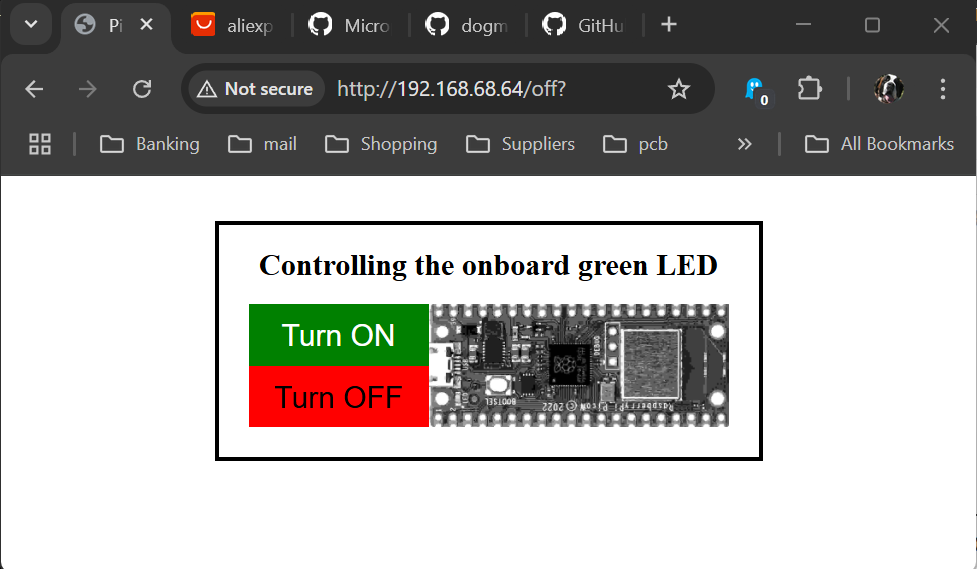
Use the Turn ON / Turn OFF buttons to control the onboard LED.
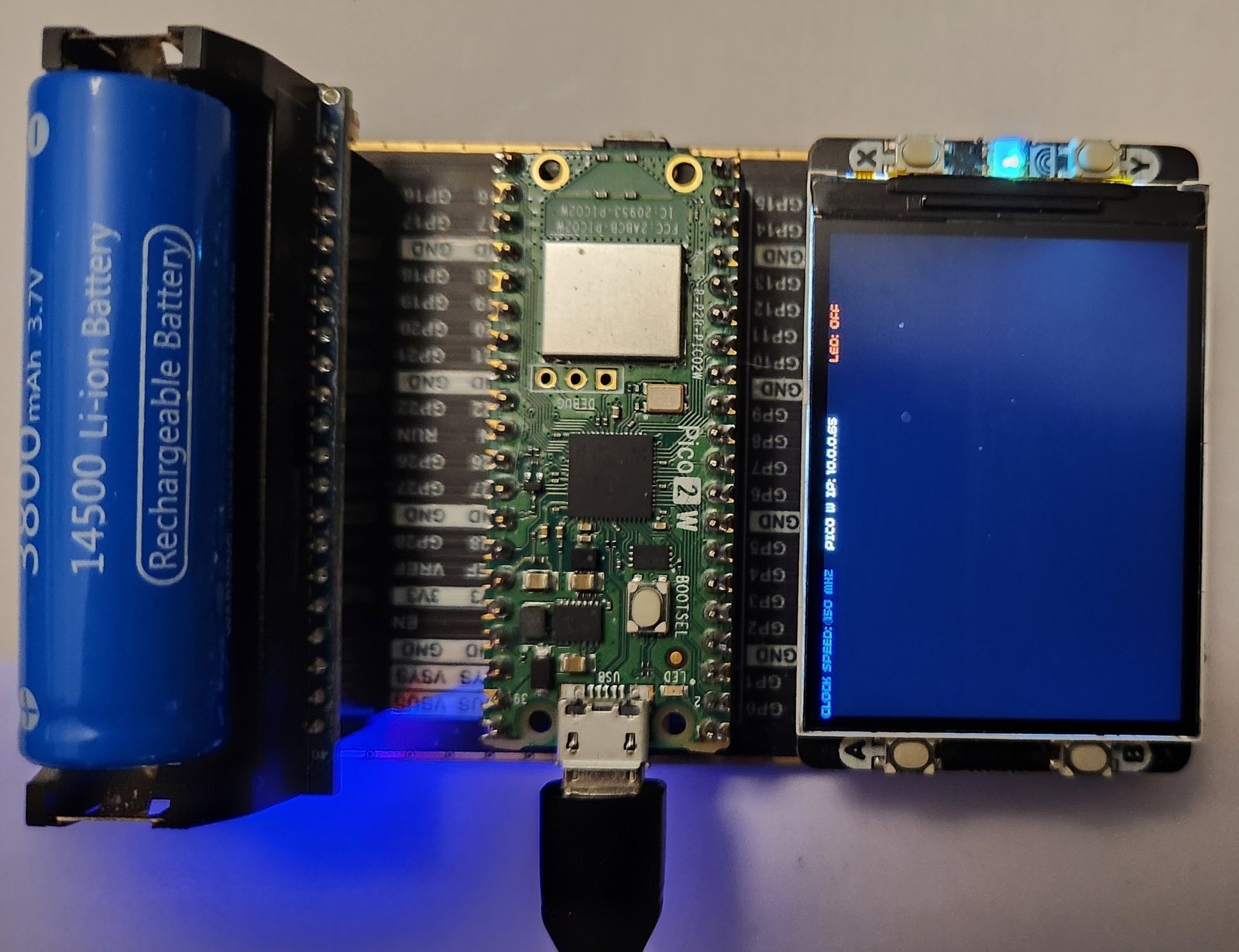
And the LCD display should change as well.